An Introduction to Interactive Storytelling with the VSx Platform
Please note that content, designs, and user experience paradigms shown here are proprietary and confidential.
The videos below are recordings of a presentation with screen graphics driven by VSx: a demonstration of some of the platform’s capabilities through a discussion the importance of some of the storytelling paradigms the platform helps enable.
This presentation originally included a lengthier PowerPoint-style introduction discussing the importance of story and immersion in digital and interactive experiences; in the videos below this intro has been heavily edited and shortened (allowing us to move on more quickly to topics that make greater use of VSx features and capabilities).
A “Part One” was designed to precede this presentation: a discussion around storytelling and narrative structure, in which is described the transformational journey that takes place in a proper story. Here we label the development that takes place through this journey as the progression from “A to B” — where A is the “once upon a time” moment and B is the “they lived happily ever after” moment, e.g.: at point “A” Luke Skywalker is a young farm boy, at point “B” he has learned the ways of the Force and become a Jedi. Daniel Pink describes the “Pixar pitch” (based on the narrative structure of a typical Pixar film) in similar terms: “Once upon a time, ____. Every day, ____. One day, ____. Because of that, ____. Because of that, ____. Until finally, ____.” (What this leaves out at the end, of course, is “And after ____, nothing was ever the same.”)

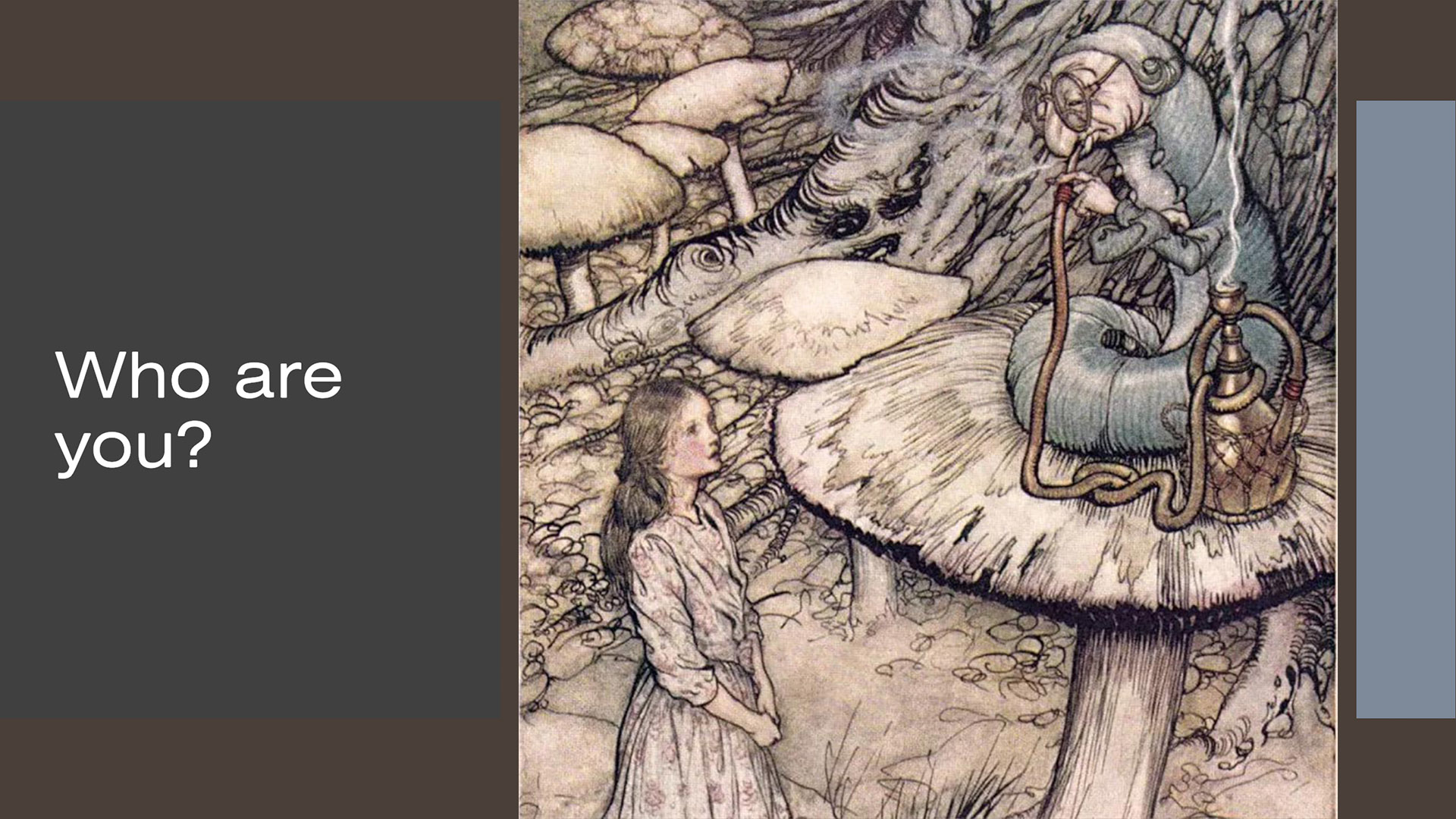
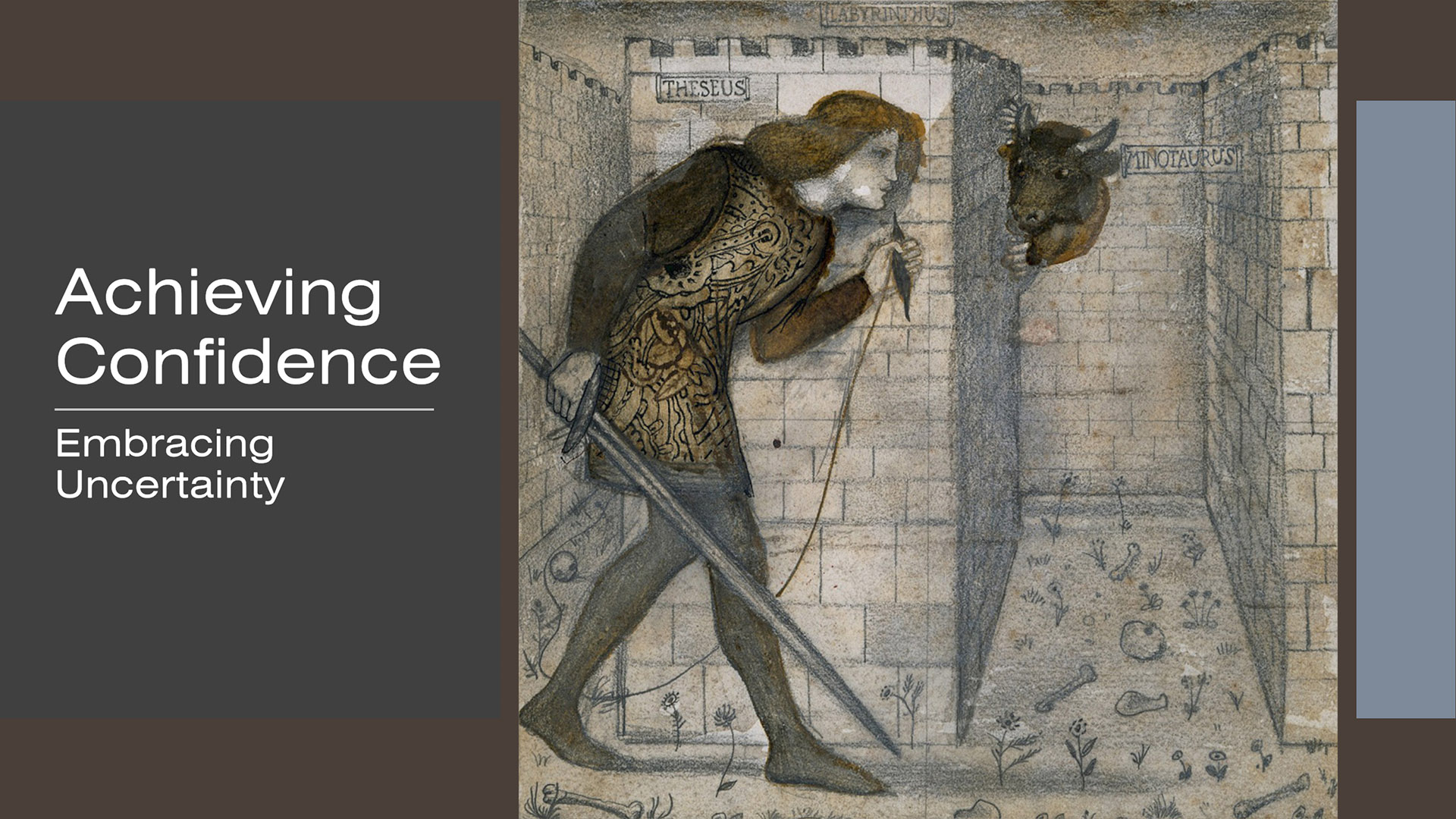
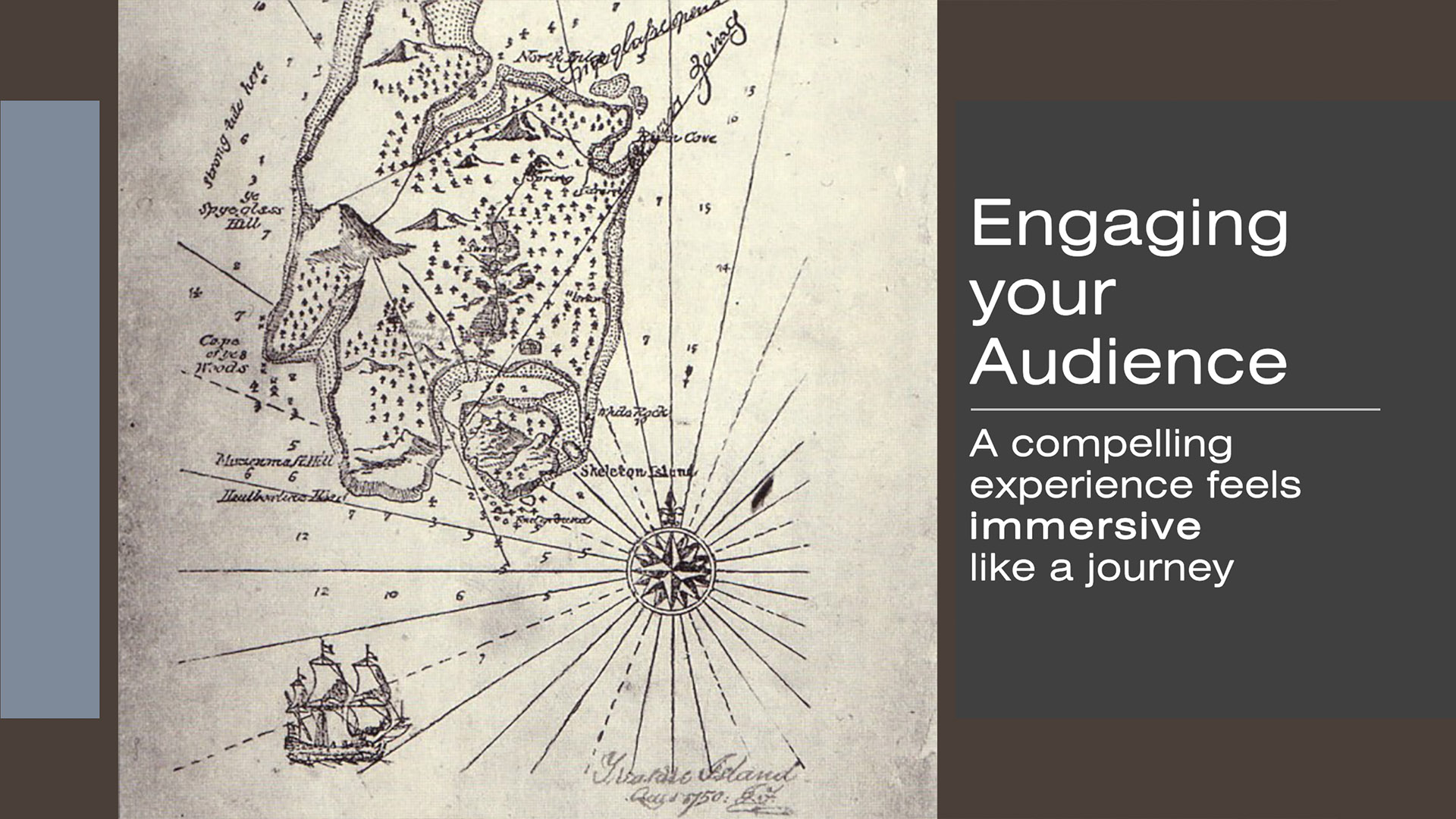
Part One
Here’s the first part of the presentation, with the intro heavily edited:
… we could talk about the journey from A to B, or we could Iook at it on a map … or we could actually experience it …
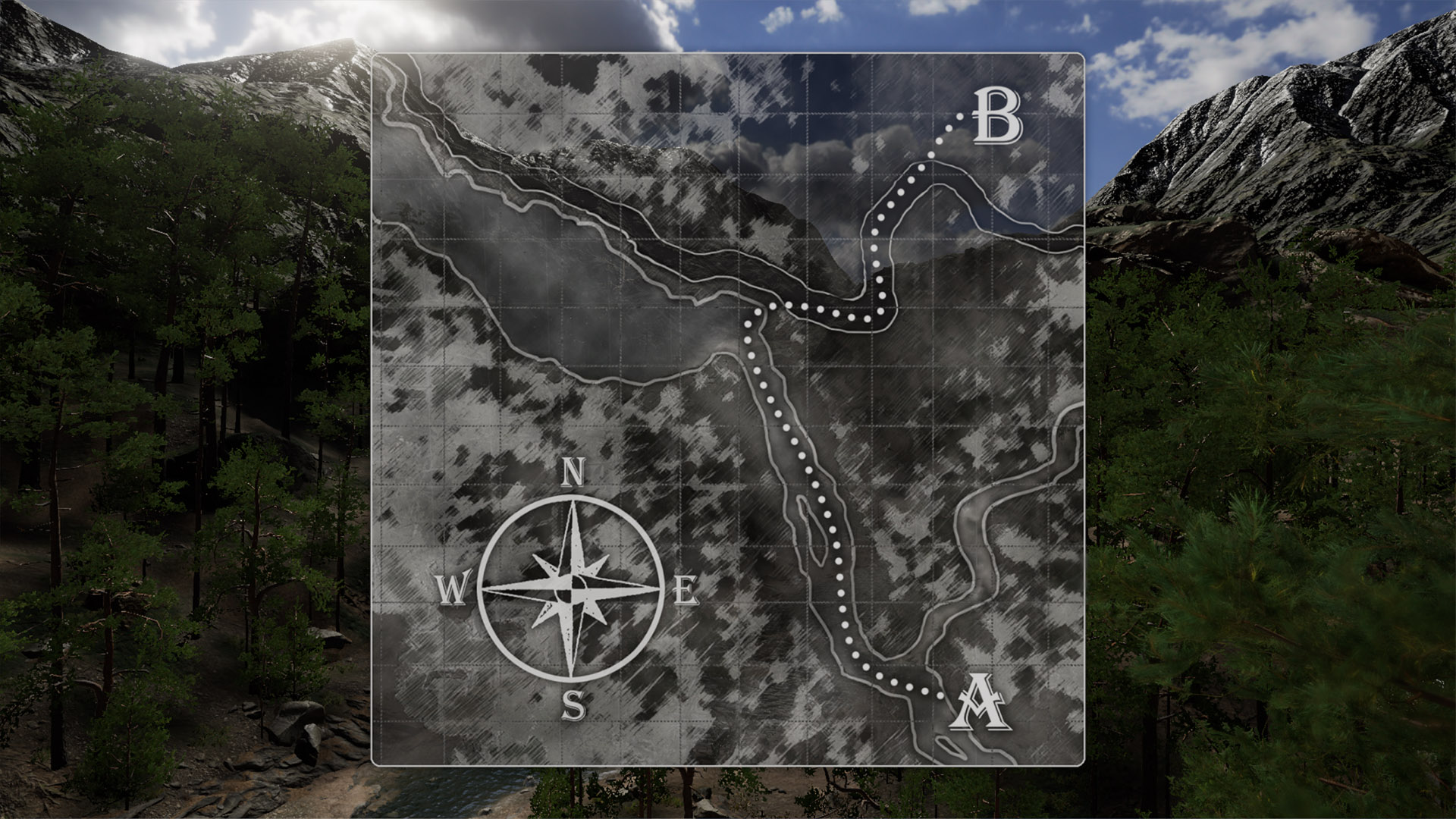

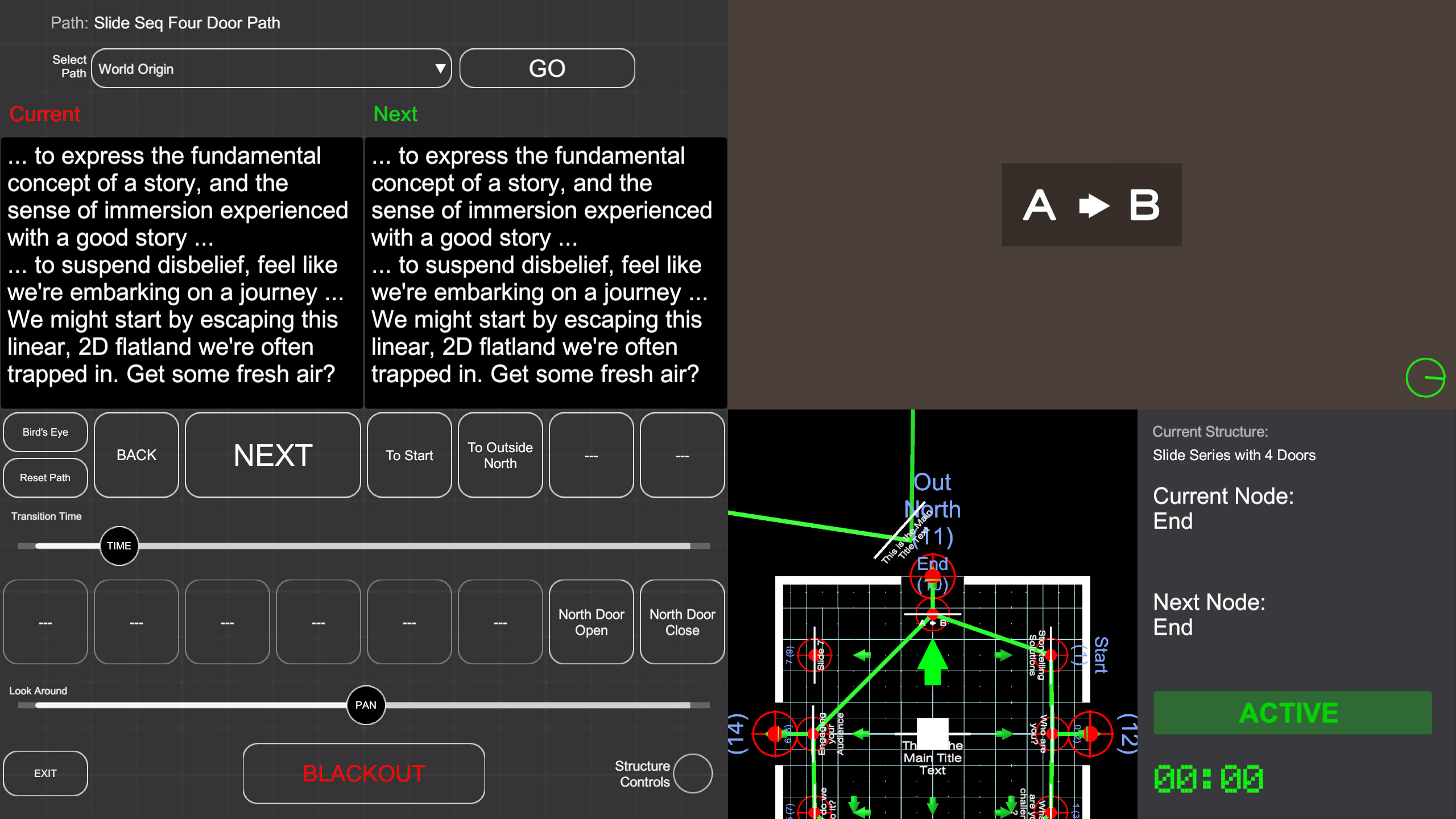
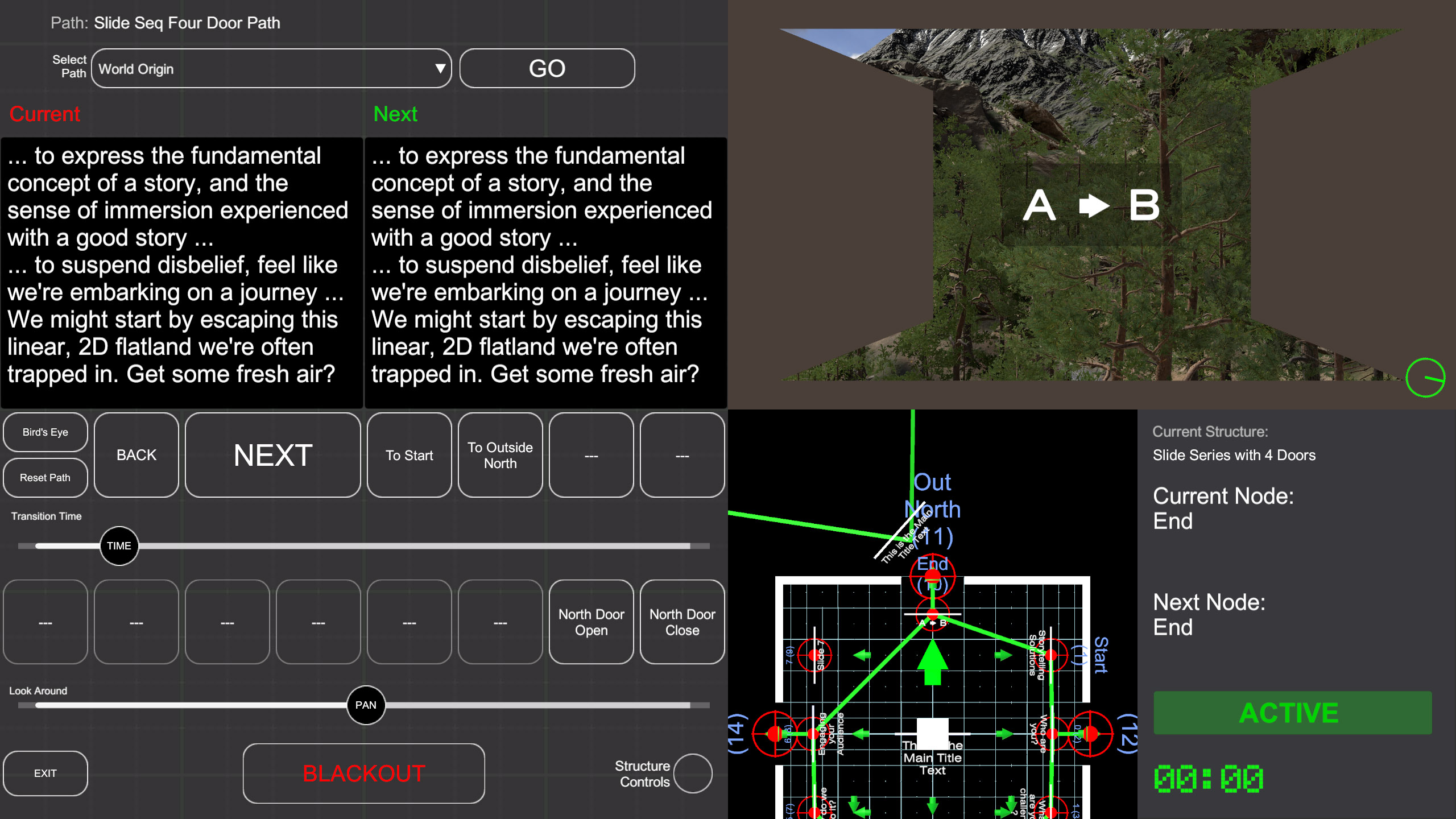
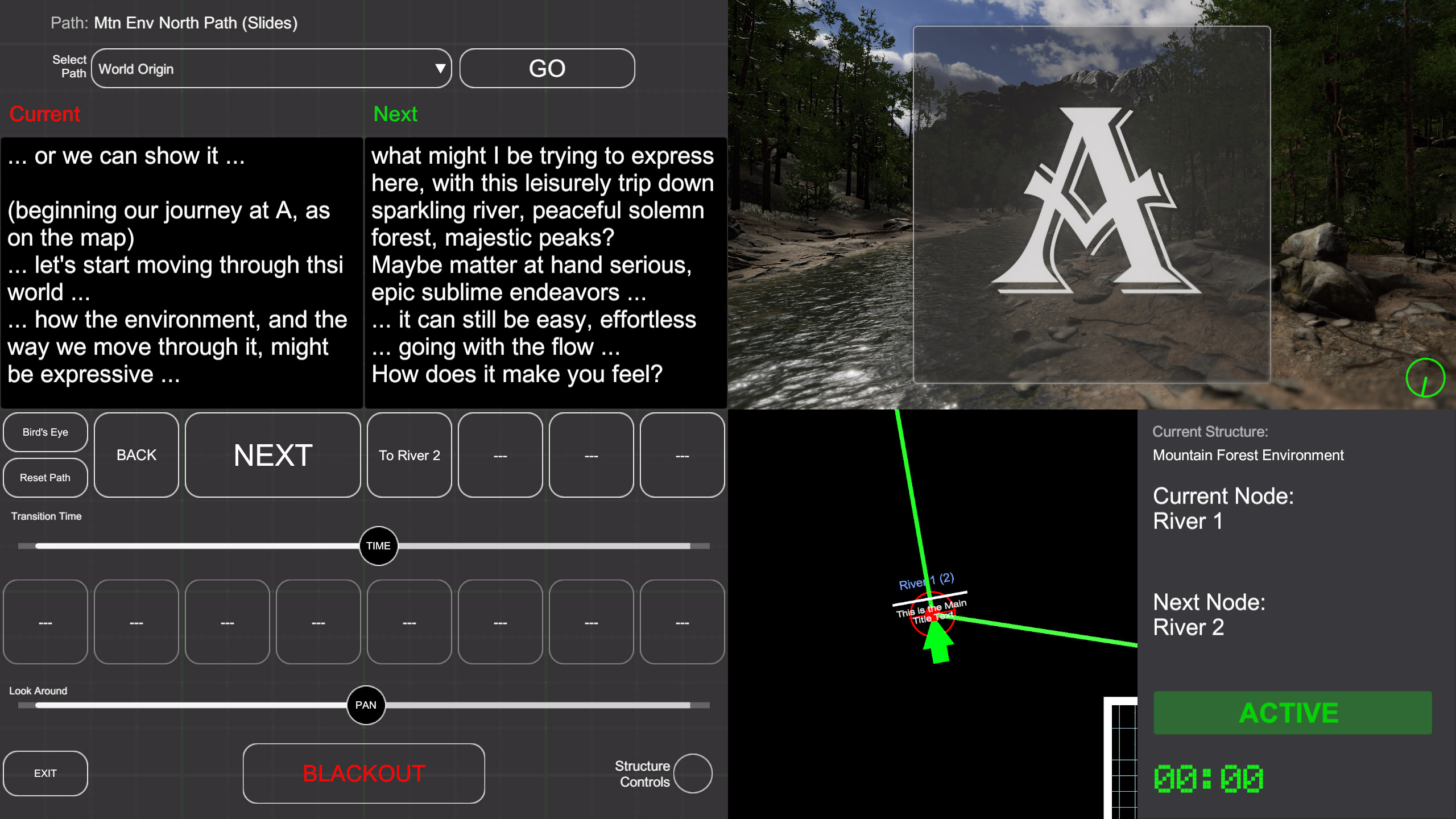
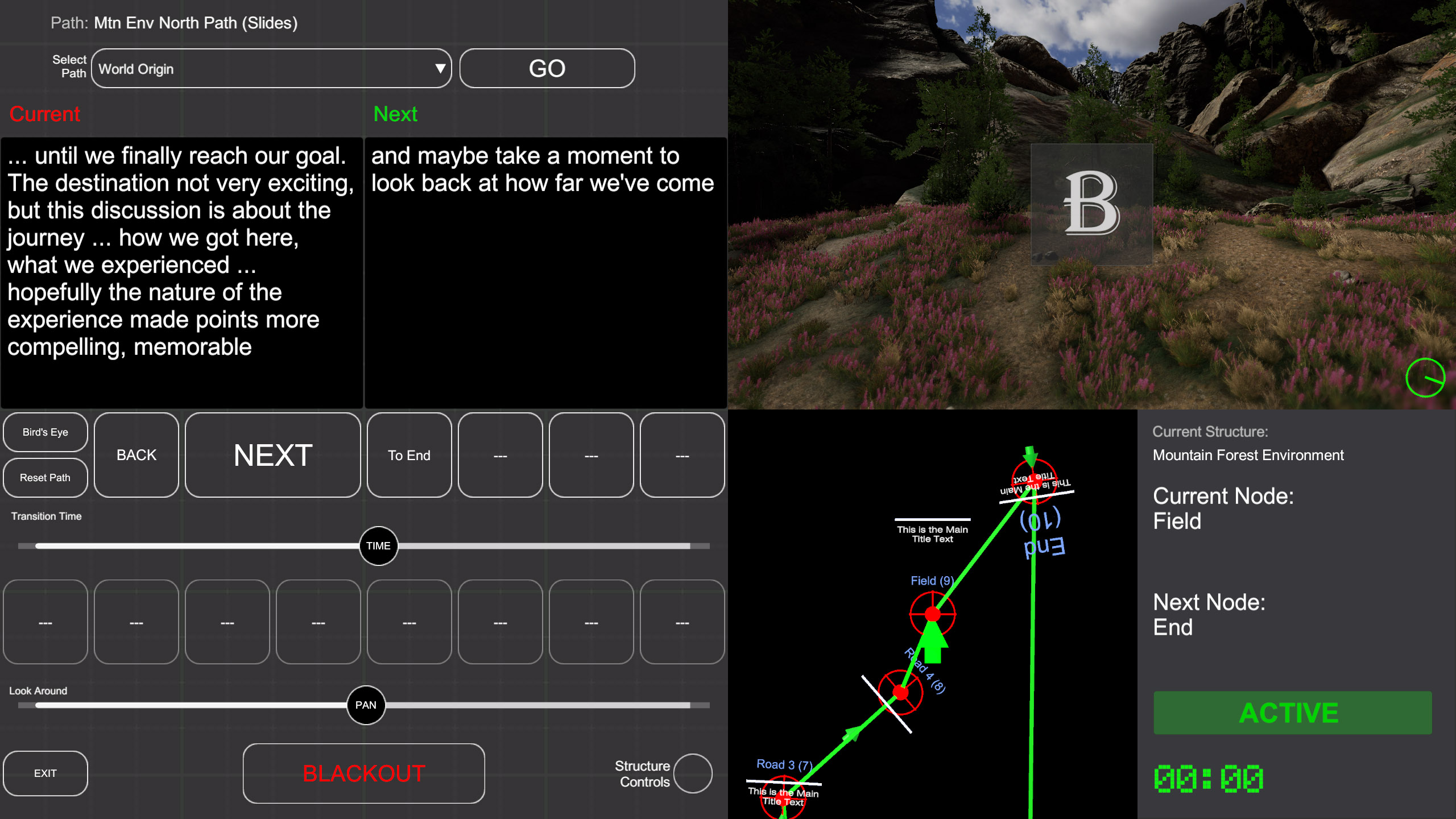
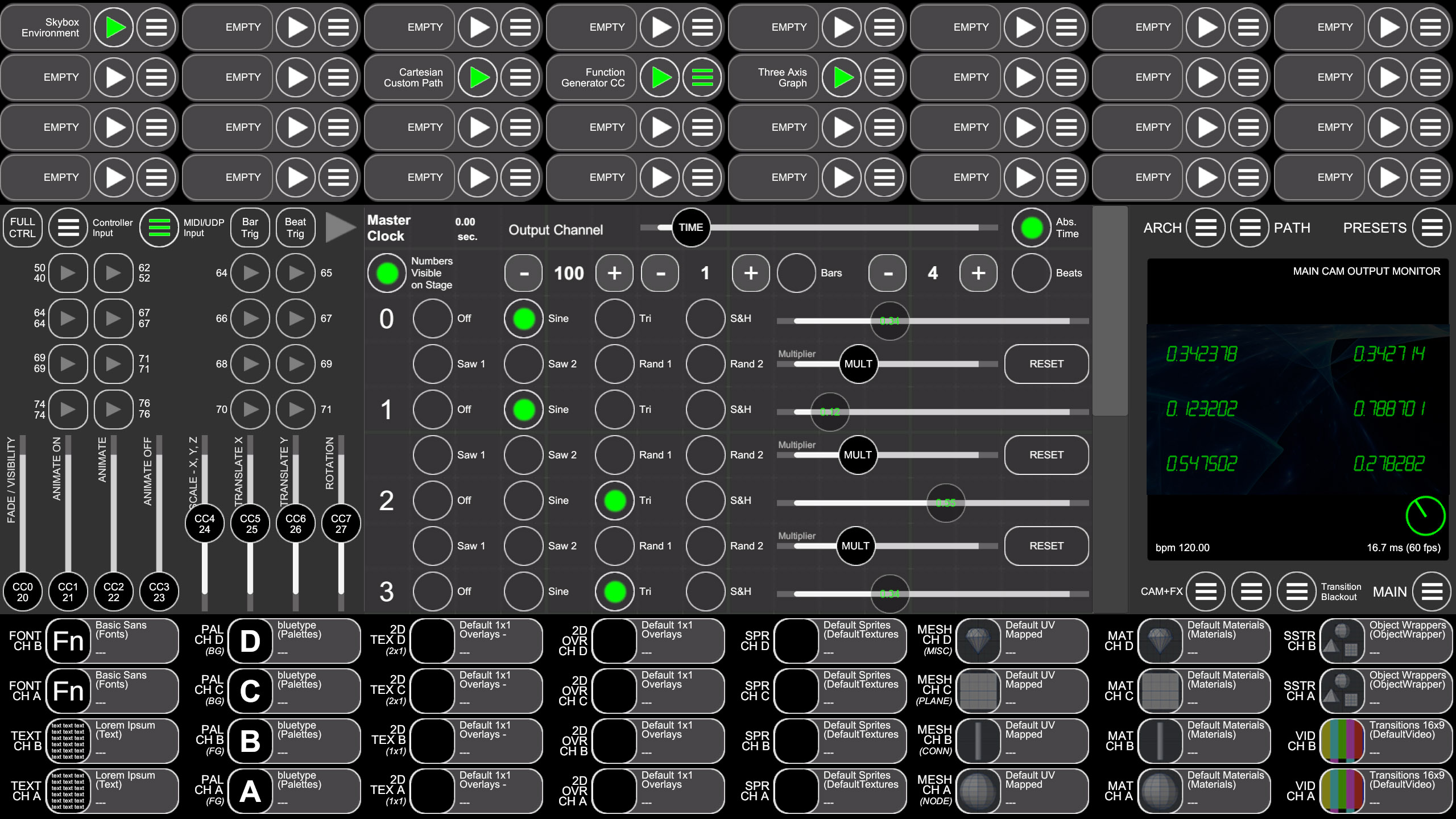
Here’s the annotated version, showing some details about how the presentation is controlled via the VSx presenter user interface on the lectern touchscreen:
The VSx UI provides navigation controls (not just NEXT and BACK but a number of additional options where appropriate), real time manipulation of the environment and view, presenter notes, a preview monitor and a plan-view map of the current path and environment.
Part Two
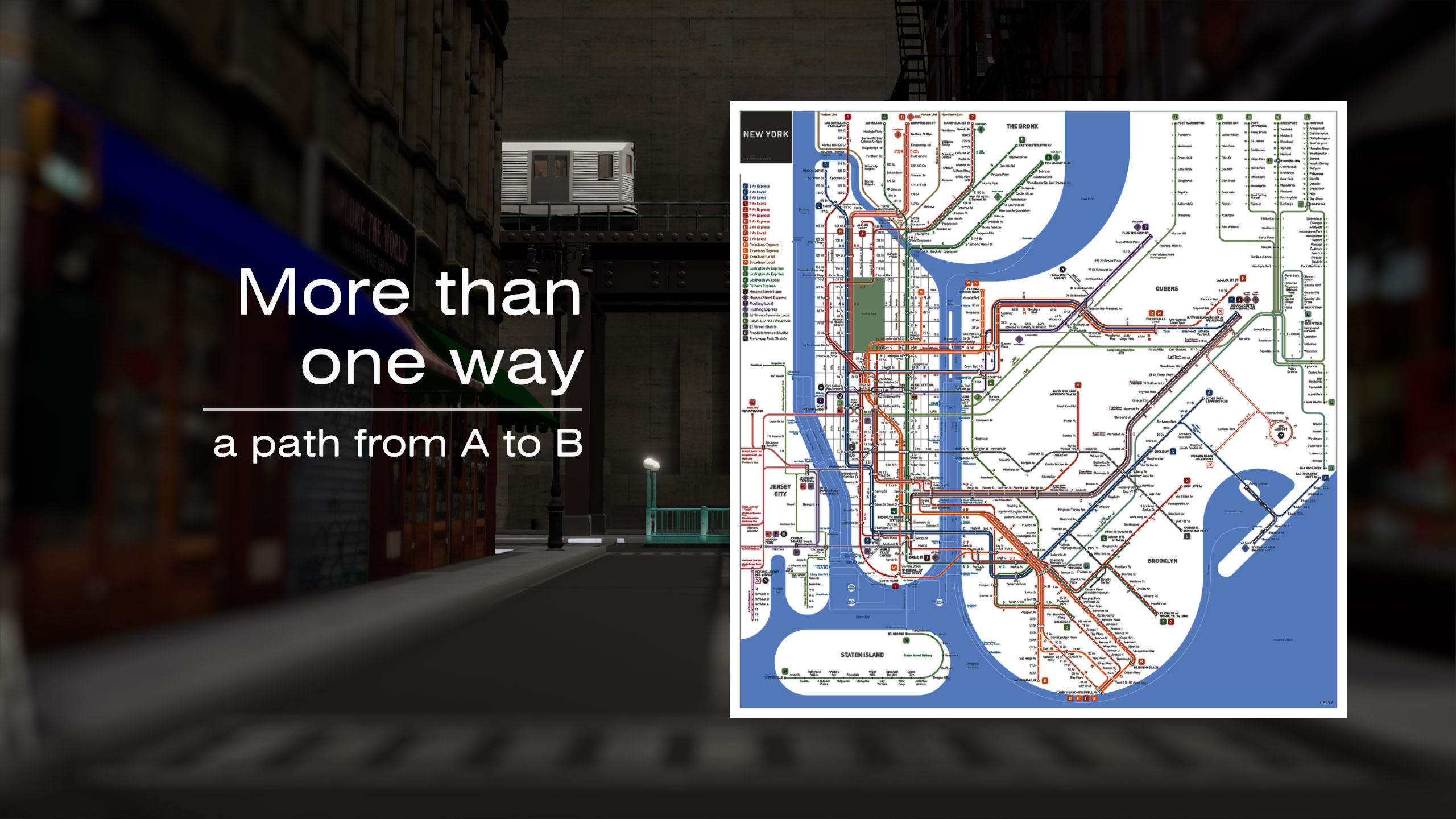
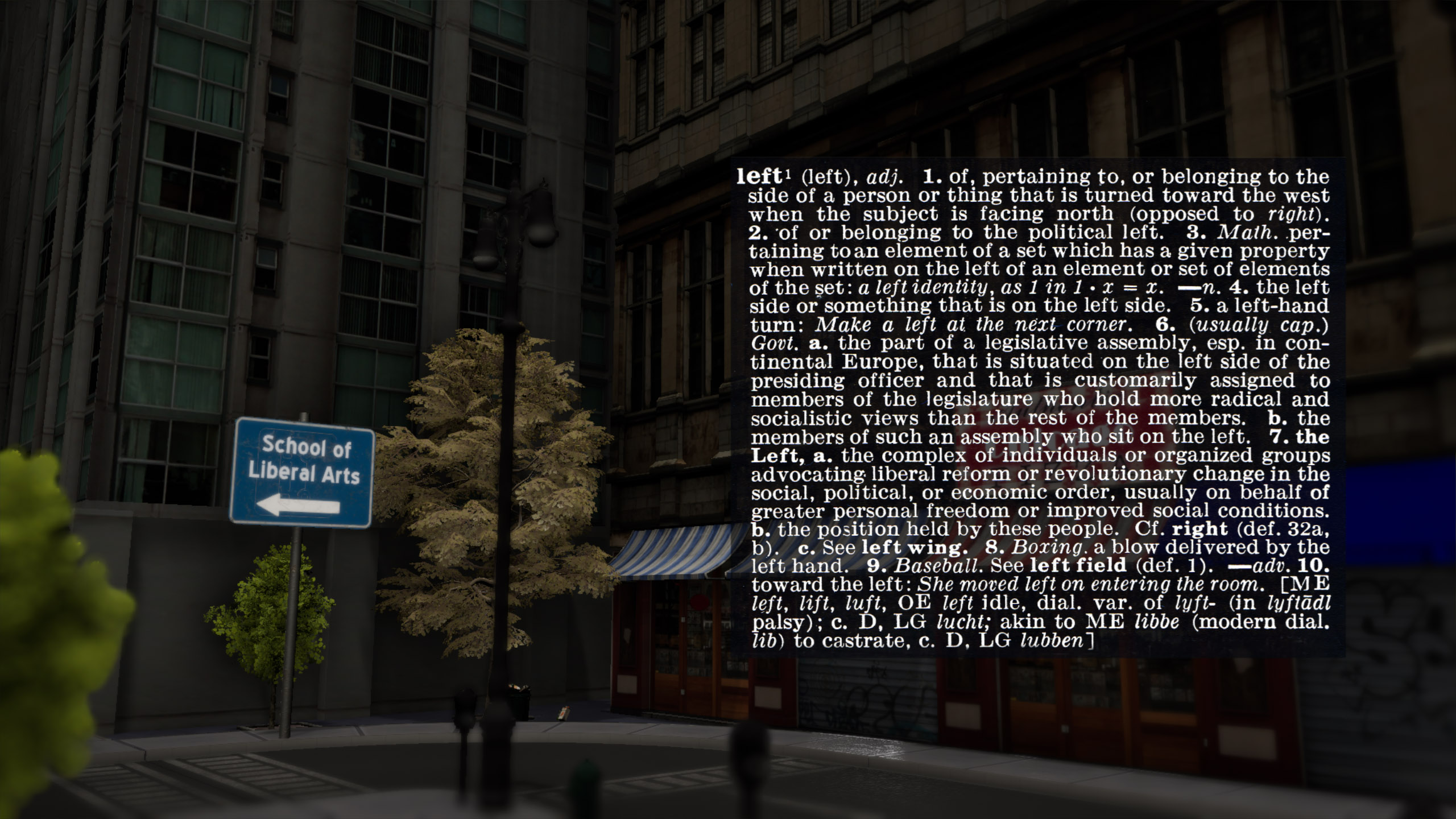
In this section we dive into a few more detailed topics while making use of a few more features of the VSx system.
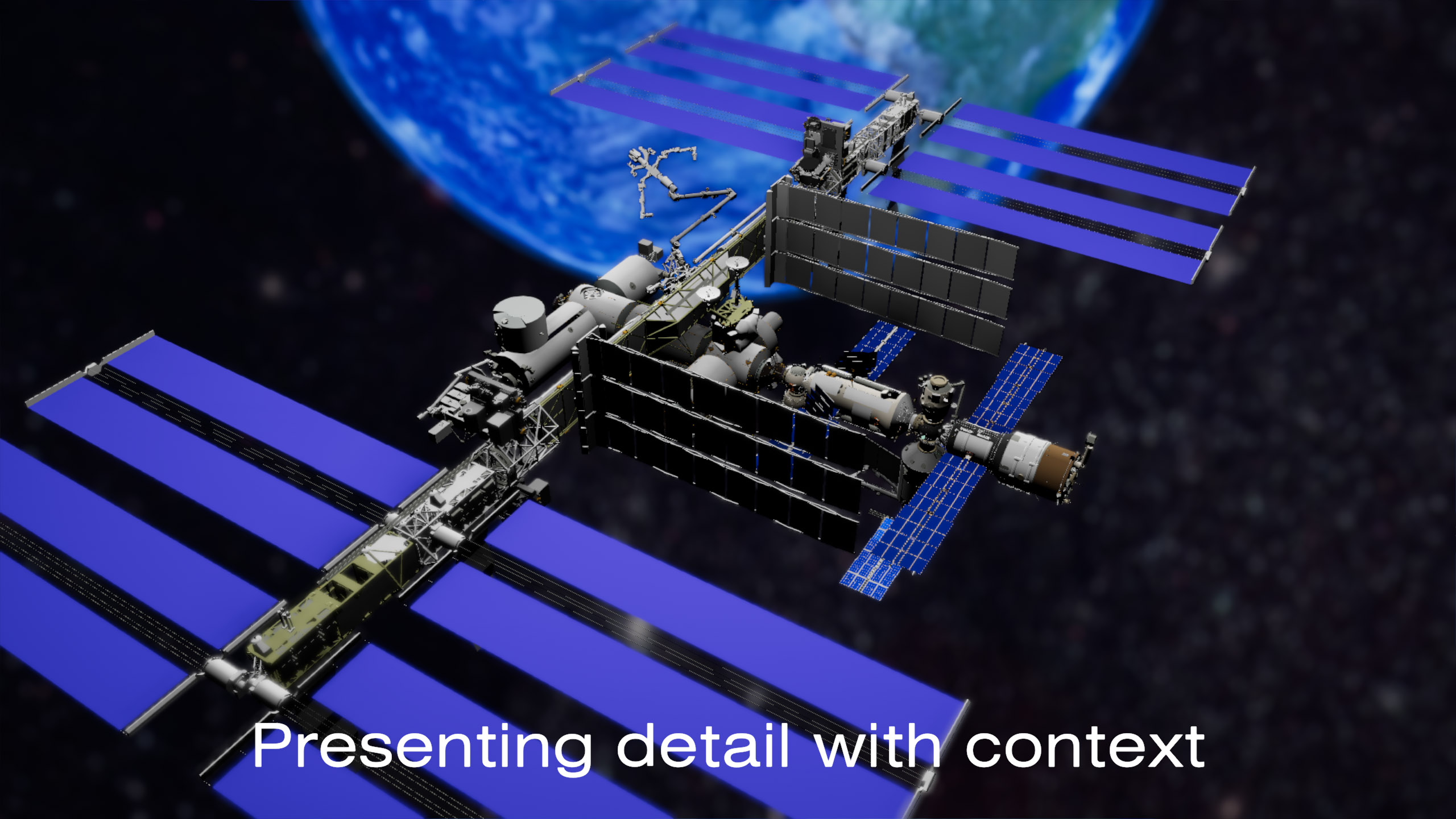
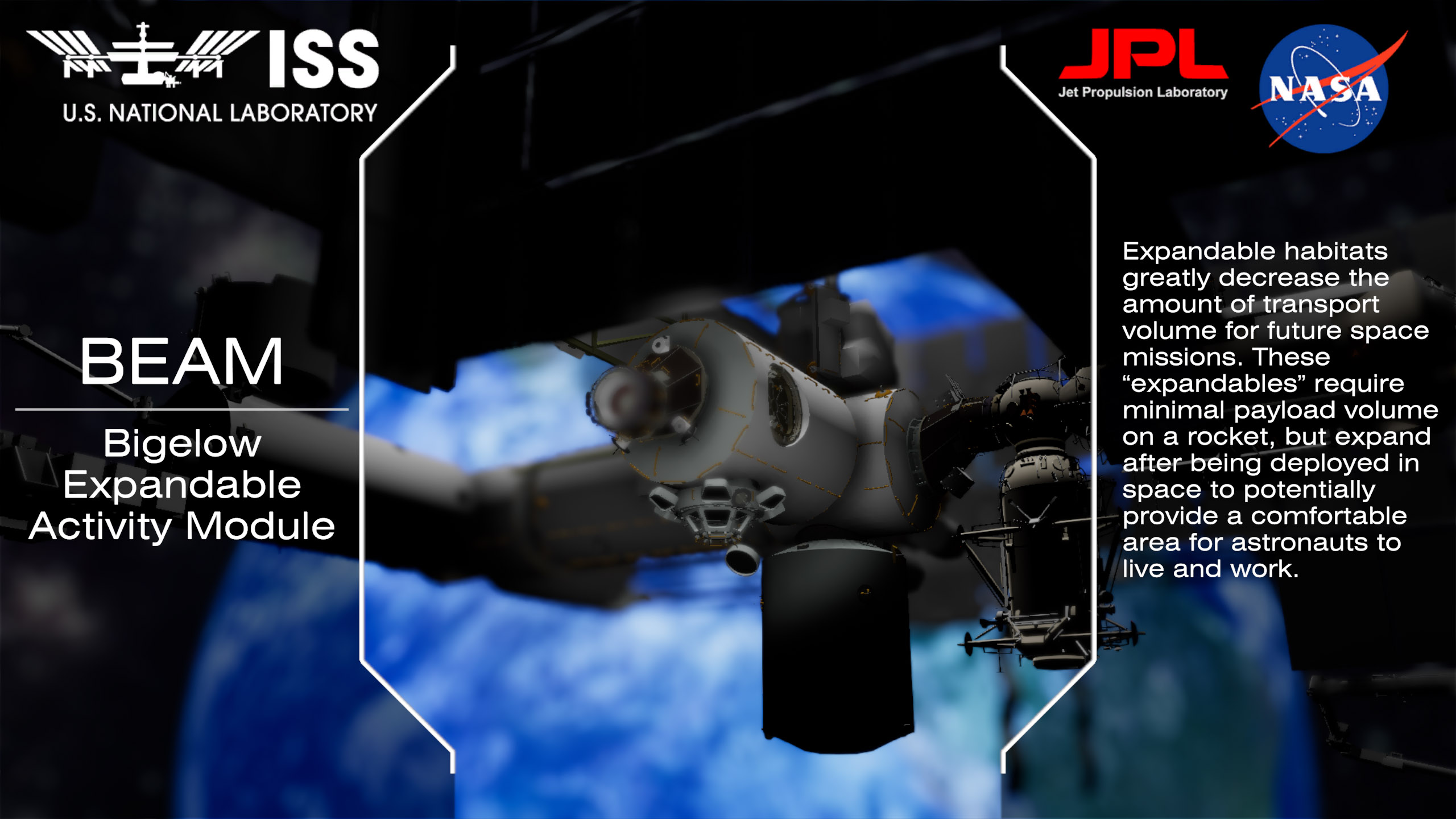
The annotated version of Part Two, showing some elements of the VSx user interface in action:
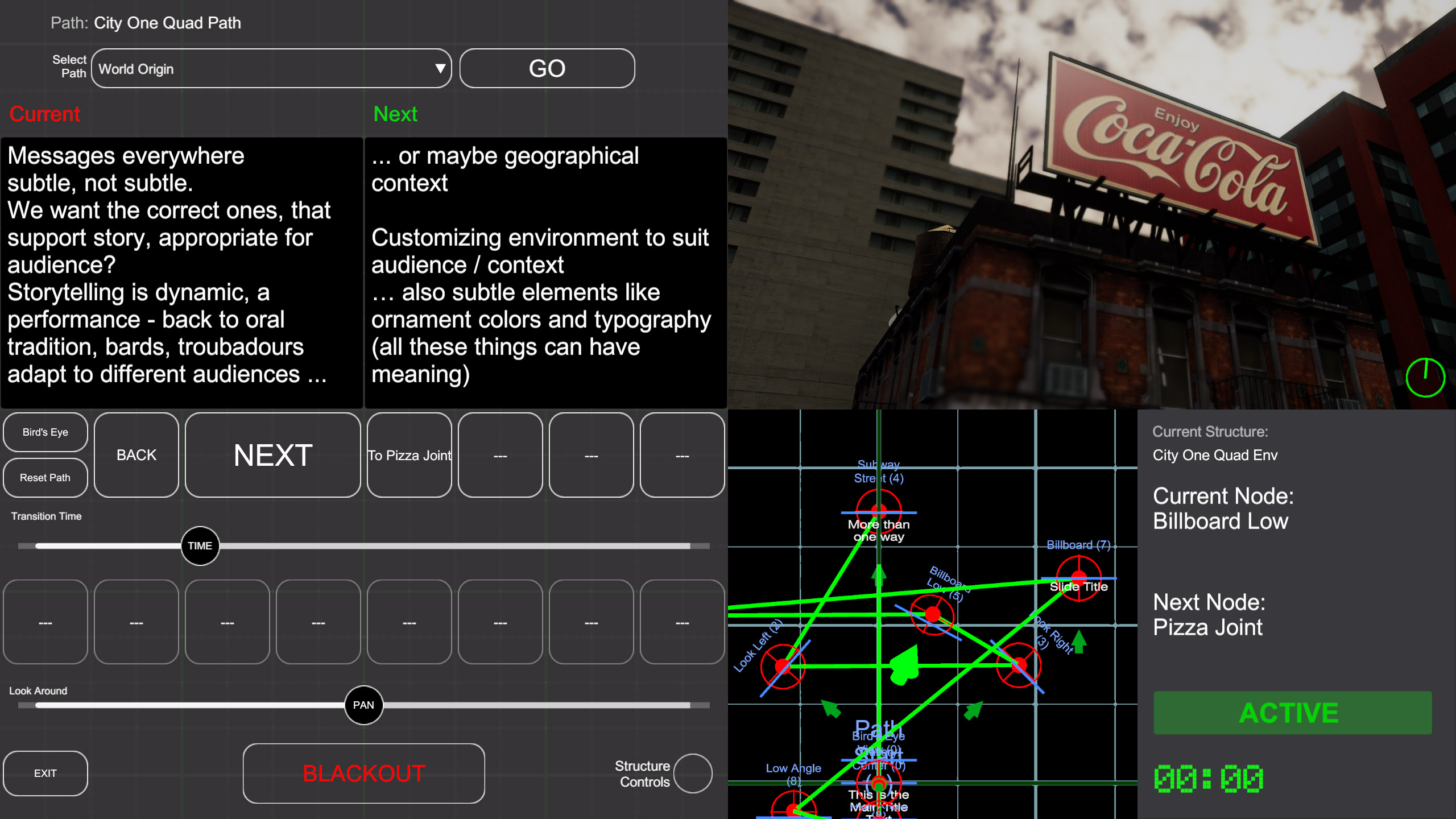
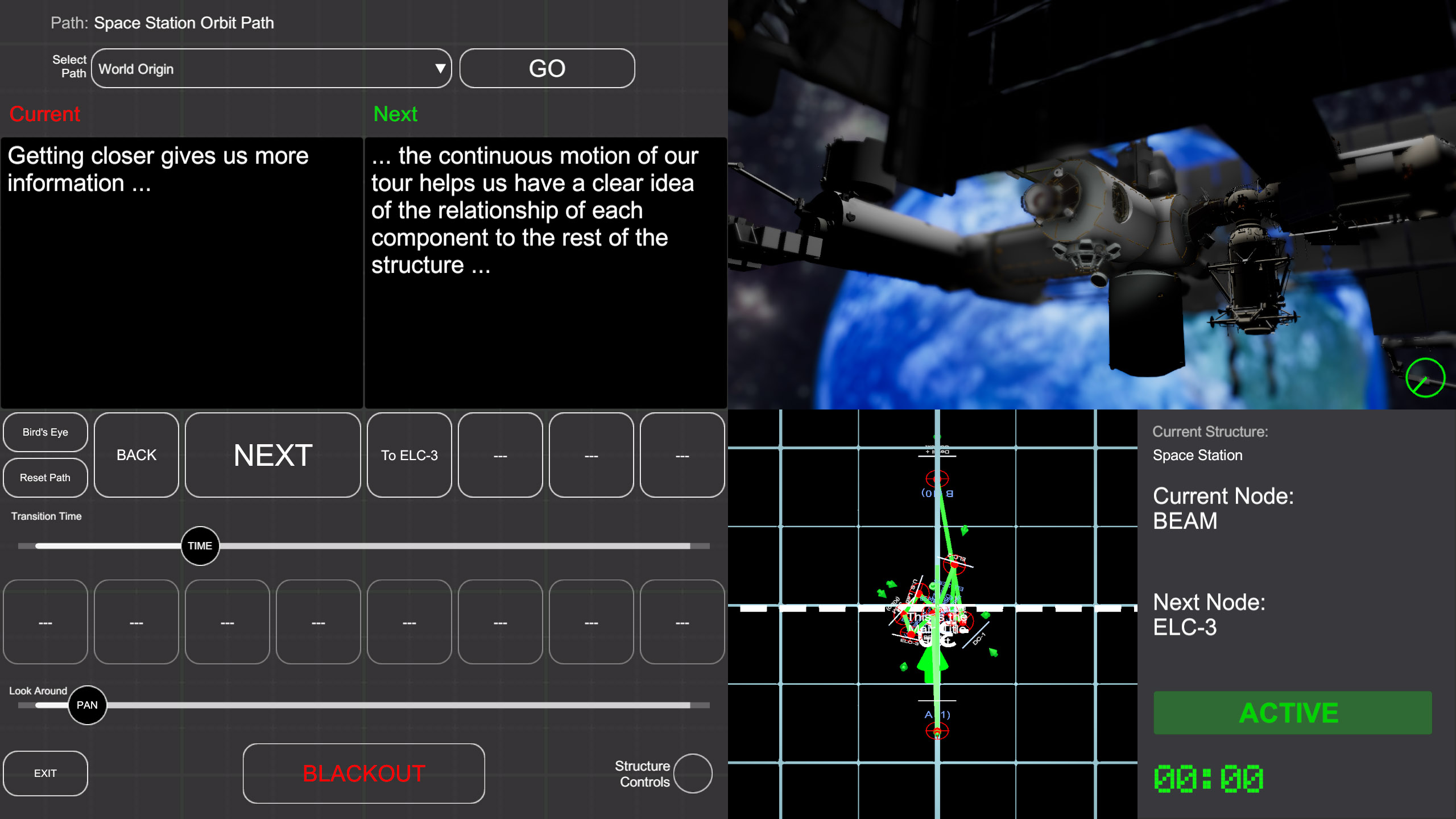
Full Version
This version includes the longer introduction, with a more robust (or maybe just verbose) discussion about interactive storytelling and immersion and why these concepts are important.
The Continuing Series
The next chapter in this discussion is the beginning of an exploration into architectural theory and the expressive potential of form, light and space.